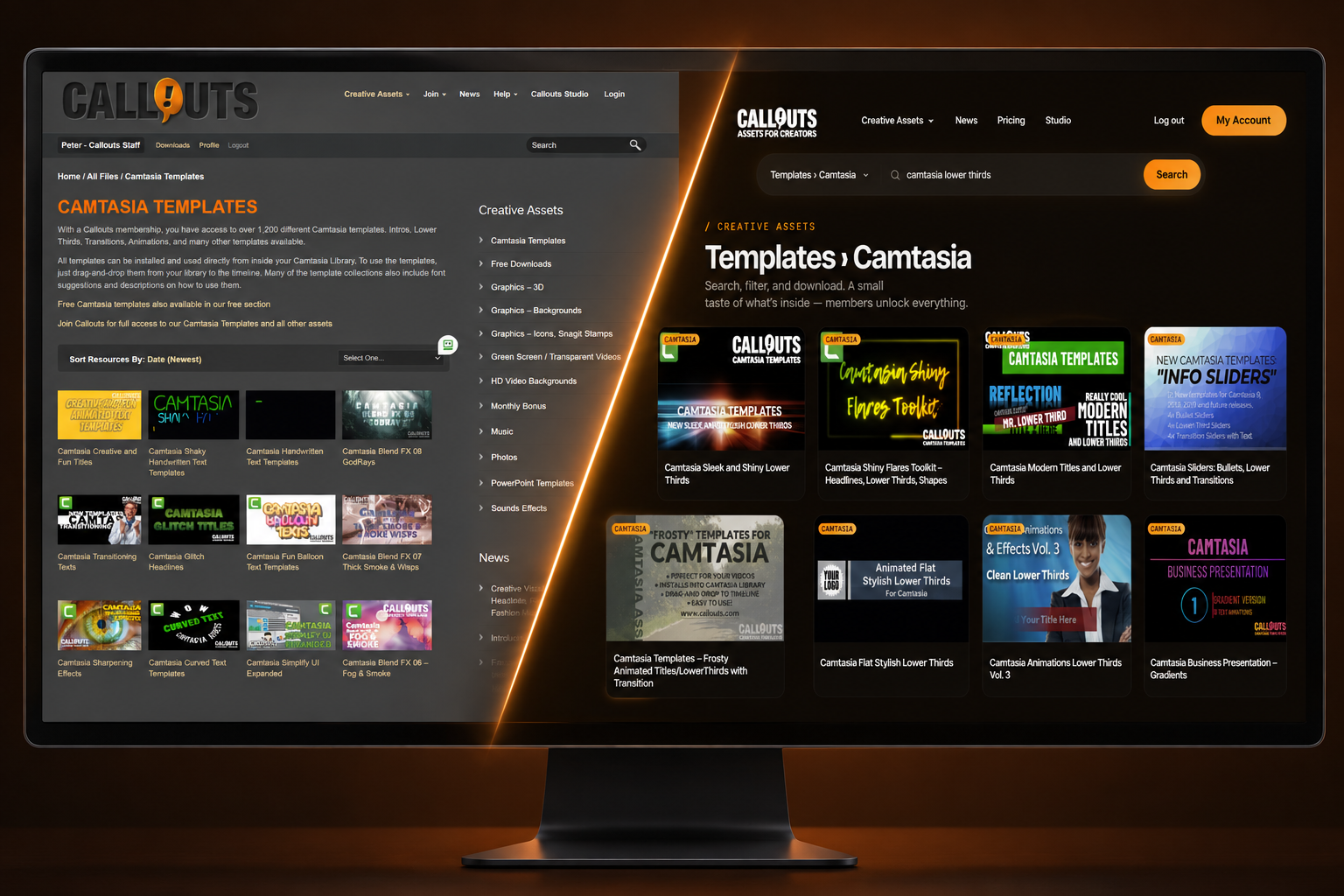

We’ve spent the last six months reimagining and rebuilding Callouts completely.
I am now proud to finally present what we’ve been working on behind the scenes: Callouts version 2!
The old site worked, but it had gotten heavy. The library kept growing and the technology holding it up was quietly growing old and stiff. So we took the whole thing apart and rebuilt it completely.
The efforts were focused on one thing: you, the user. We wanted our users to have the absolute best experience locating and accessing the creative assets you need, exactly when you need them.
It’s now faster. Search is more targeted. You get 100 assets on a page instead of 24. Big video files download faster. And we finally managed to implement full mobile compatibility.
We’ve been at this for months, and I’m very pleased with how it came out. And I hope you will be too. Below you’ll find some of the new features, visible as well as under the hood.
Not a member yet? Join Callouts and get unlimited downloads of the whole library: Camtasia templates, music, video backgrounds, graphics and the rest. See membership plans
Peter Gillberg
Callouts Visual Assets Creator
The short list
- The whole site loads faster, paints faster, meaning you’ll start to see the page before it’s finished.
- Search is quicker and even more organized
- 100 assets per page instead of 24
- Every file now sits on a CDN, so downloads start straight away, big ones included
- New design, with the assets doing the talking
- Filters, sorting and navigation that behave the way you’d expect
- Real mobile support
- Refreshed Help and Contact pages
- Smoother, safer logins
- A great deal of work underneath that you’ll never see
Plus a whole bunch of smaller things.
4x assets per page
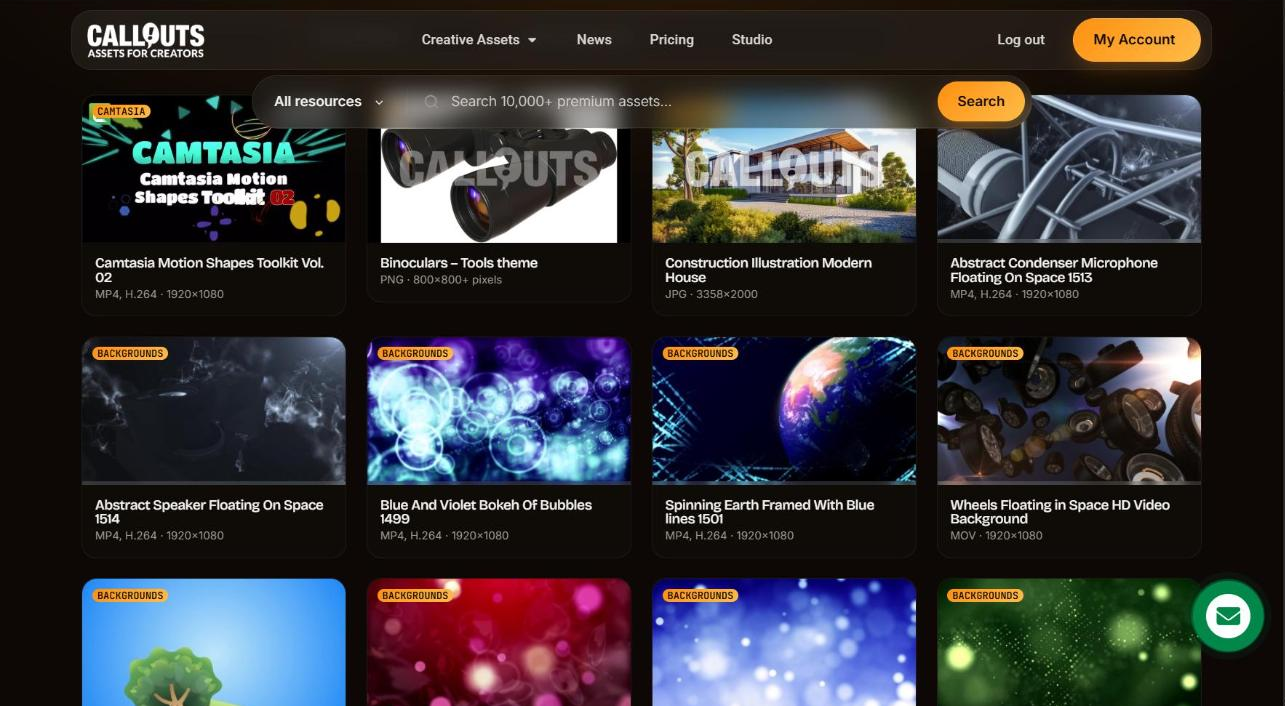
The old library gave you 24 assets per page. That’s fine when you know exactly what you’re after. It’s miserable when you don’t, and most of the time you don’t. You’re looking for something that feels right for the project, which means seeing a lot of things quickly.
Now it’s 100. Four old pages on a single screen, and you scroll rather than click.
The pagination at the bottom tells it better than I can. That list of page numbers used to run on for ages. Now you can see the end of it.
It reads like a small change. It isn’t, not when you’re hunting for the right background at eleven at night.
Search, and under the hood
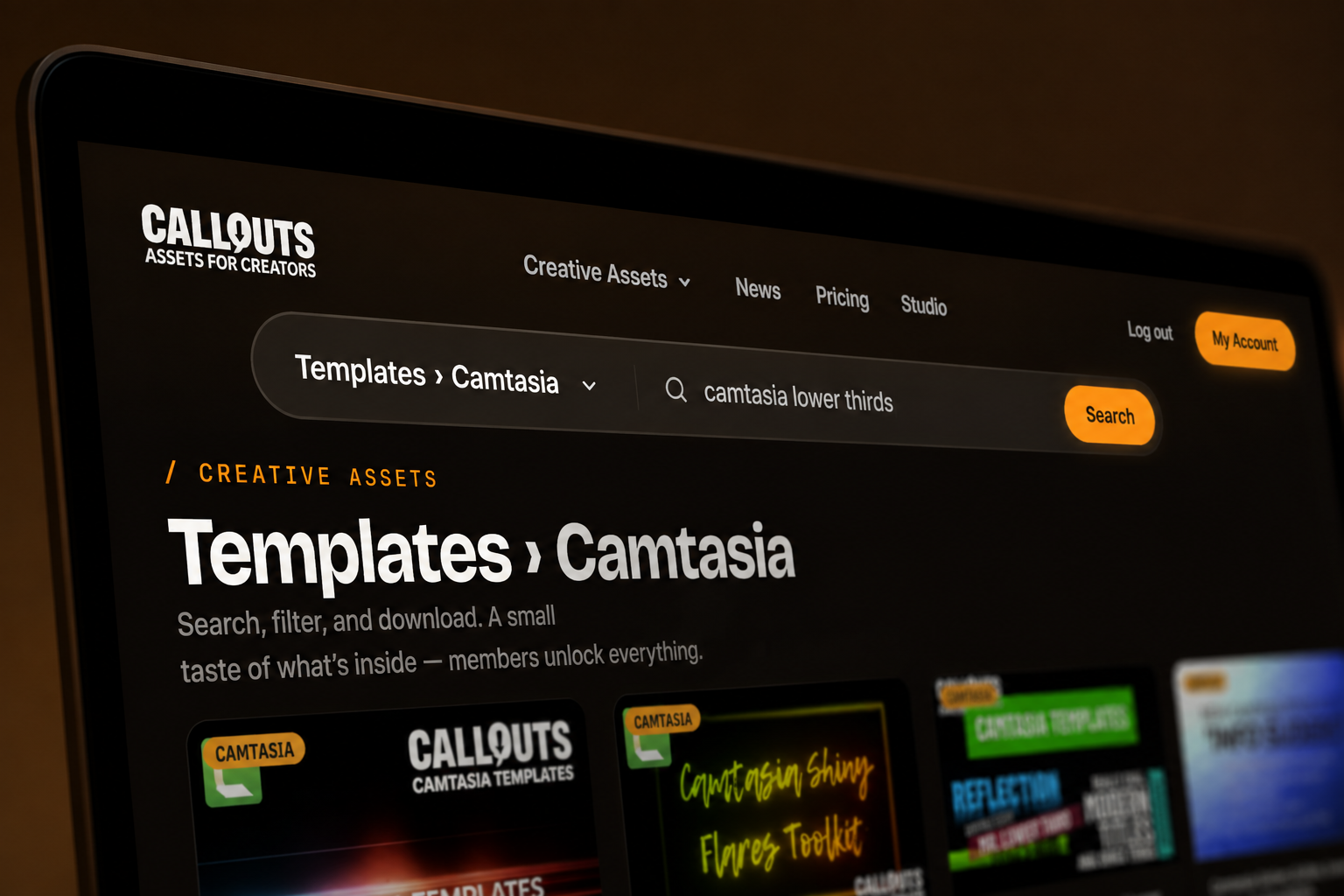
We reorganized the library before touching search, because search is only ever as good as the thing it’s searching.
Categories nest properly now. Audio splits into music and sound effects. Images split into 3D, backgrounds, icons, Snagit stamps, and photos. Videos split into backgrounds and green screens. Pick one and the page narrows to it. Then sort by newest, oldest, relevance, or alphabetically, or type a keyword and let it do the work.
There’s a search box at the top of every page too, with a scope selector beside it, so you can start looking from wherever you happen to be standing.
And every card now tells you what the file is before you open it: MP4, H.264, 1920×1080, 29 seconds. Format, resolution, length. No more opening five assets to work out which one is the transparent version.
The individual asset pages boosted
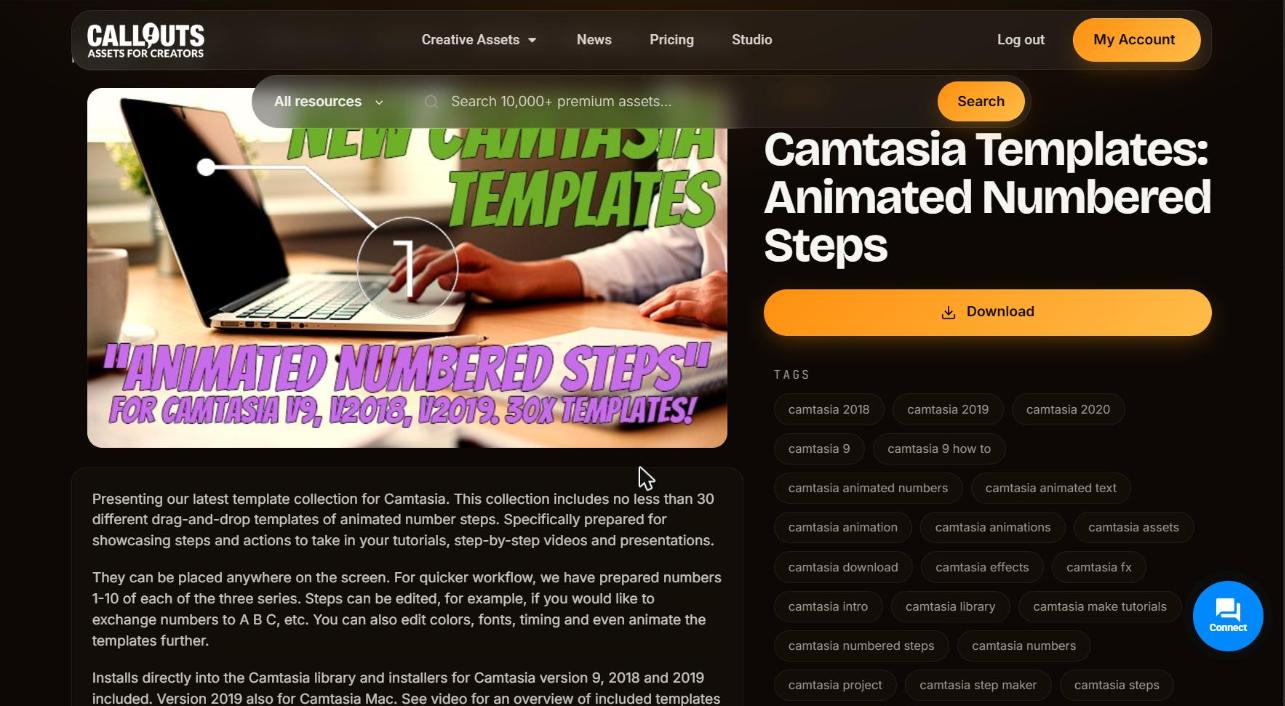
Bigger preview. Breadcrumbs, so you always know where you are in the library. The description somewhere you can actually read it. And one large Download button rather than a hunt for the right link.
Underneath there are tags. Click one, and you’re looking at everything related to it. That’s usually the quickest route from something nearly right to what you actually wanted.
Downloads that don’t keep you waiting
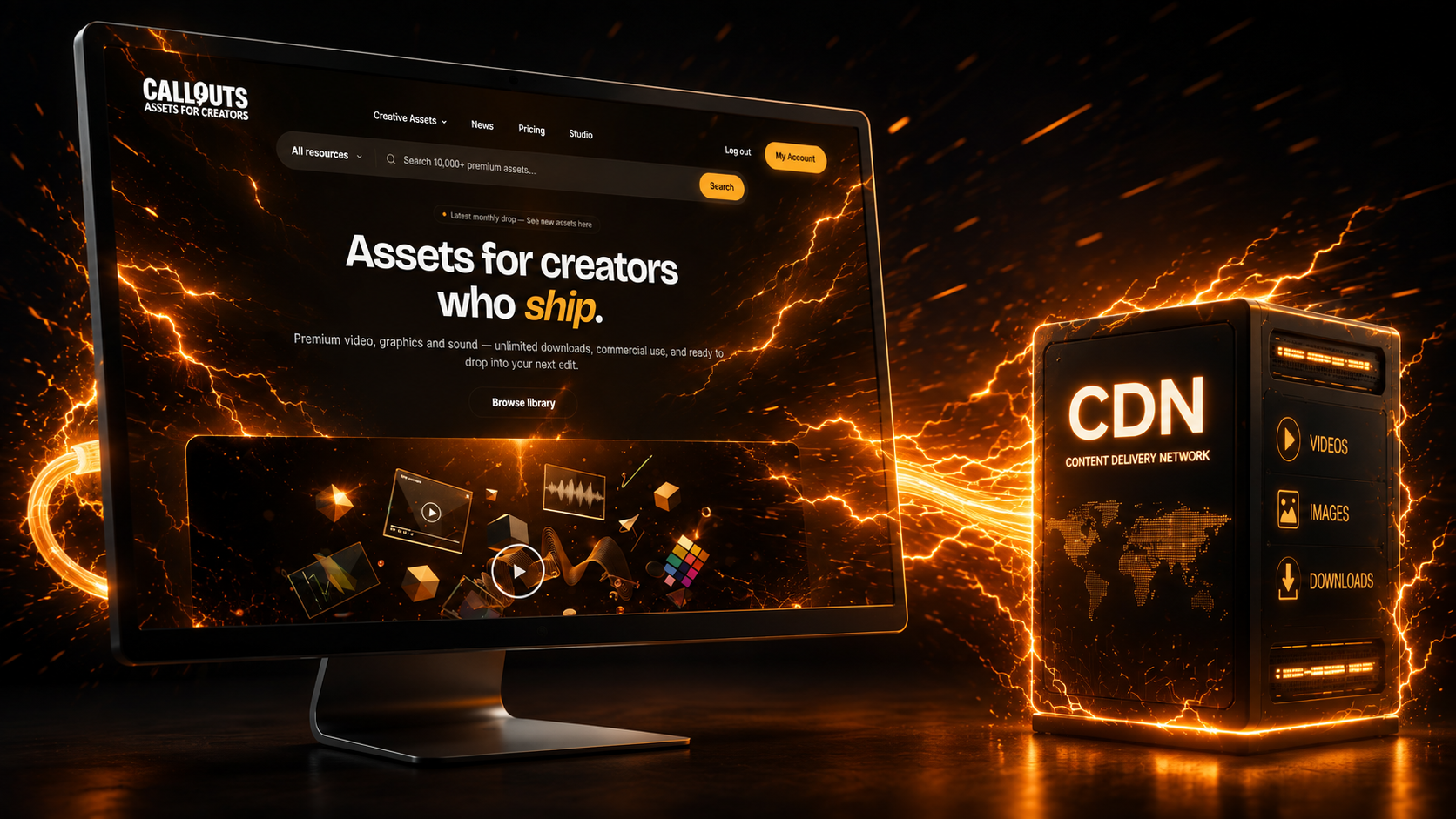
Every file moved onto a Content Delivery Network (CDN). All of it: video, audio, graphics.
You won’t see this change at all, which is rather the point of it. Thumbnails appear faster, pages render faster, and downloads begin when you click them instead of a few seconds later. It holds up for the large files too, so you can pull a big video background and carry on using the site normally while it comes down.
If you’ve ever started a download and wandered off to make coffee, that’s now optional.
Now on your phone
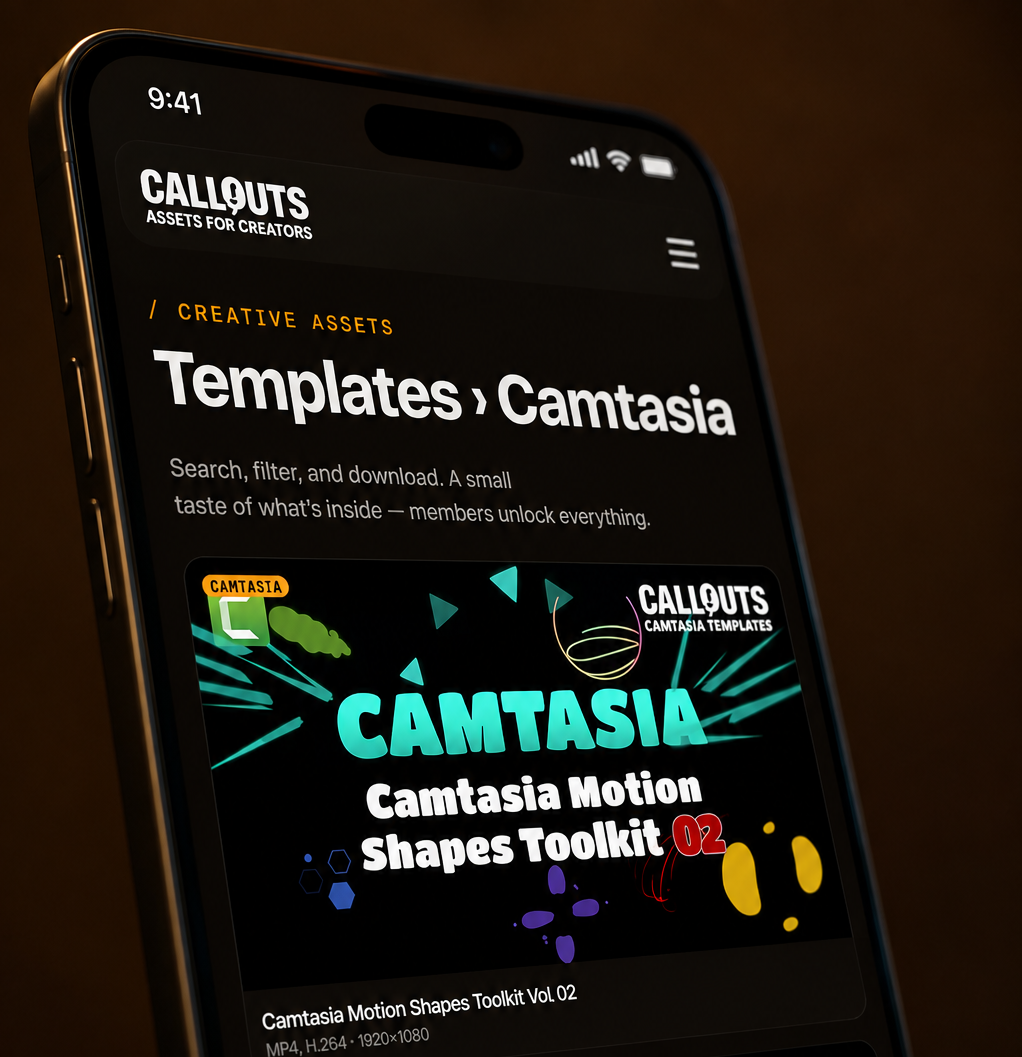
The old site loaded on mobile. That’s about the kindest thing I can say about it.
This one was built for it. Full-width cards, titles you can read, filters that work, a menu that opens like a menu. You’re probably not editing video on your phone. But you might be on the sofa thinking about tomorrow’s project, and now you can go and have a proper look.
The new look
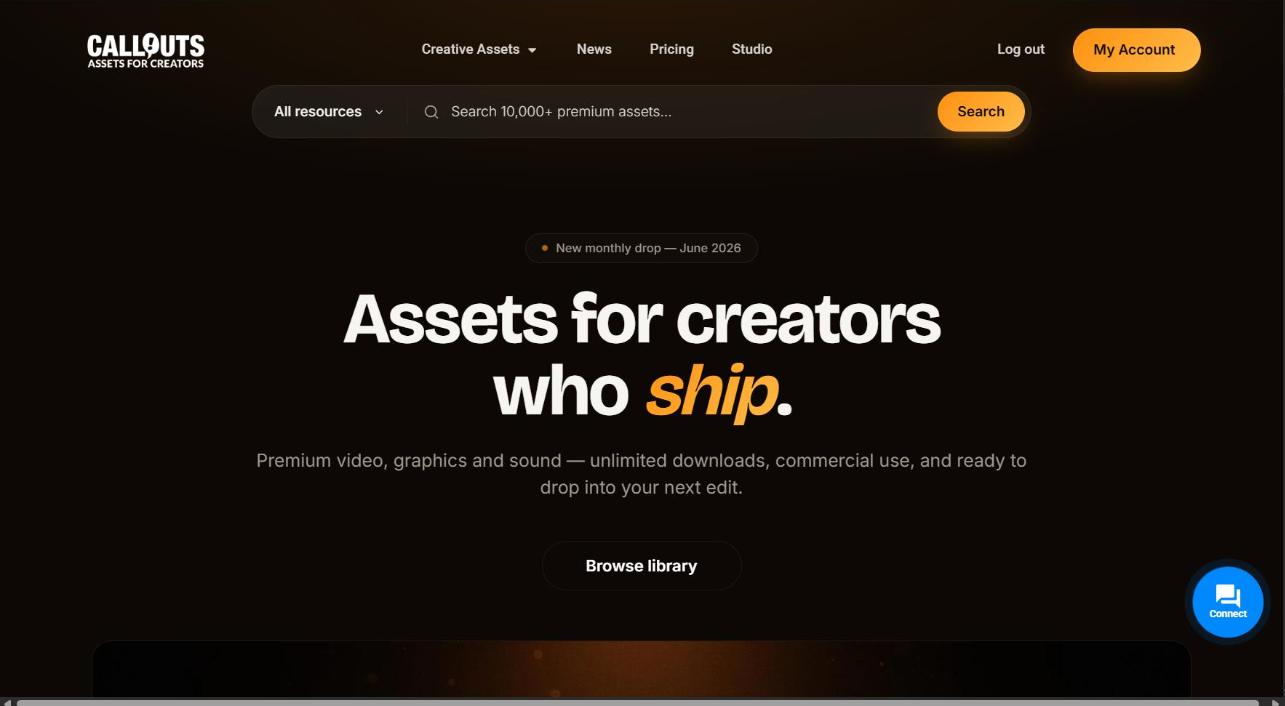
Darker, calmer, less going on. The assets are the loudest thing on the page now, which is roughly the point of an asset library.
Categories are clearer, cards are bigger, text is easier to read. Nothing on screen is competing with the thing you came for.
The parts nobody pays much attention to
The Help and Contact pages were rebuilt as well. If you need to reach us, find an answer, or tell us something’s broken, it’s considerably less of an expedition than it used to be.
Logins and security got reworked at the same time. That work is invisible by design, but it’s also what makes the next round of improvements possible, starting with more ways to sign in.
And the whole thing now sits on a foundation built for a library that keeps growing. Getting new assets published every month used to involve more wrestling than it should have. It doesn’t now, which means more time making assets and less time fighting the machinery.
For the Camtasia crowd
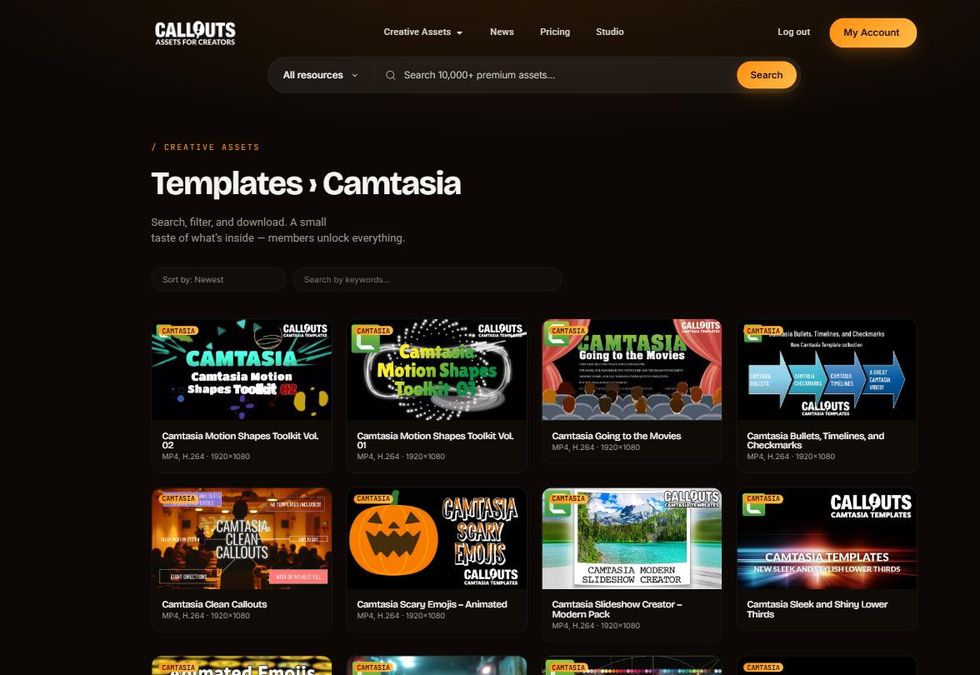
While you’re in there, something worth explaining, because it’s where Callouts works differently from most asset sites.
Most places hand you files one at a time. We publish collections. One entry in the Camtasia category isn’t a template; it’s a themed set, usually somewhere between 10 and 50 templates gathered in one collection. Multi-Colored Text Effects is 30 templates. Animated Numbered Steps is another 30. You download once, the whole set installs into your Camtasia library, and every piece of it is there to drag onto the timeline.
So when you’re counting tiles in the Camtasia category, multiply generously. There’s a great deal more inside each one than the thumbnail lets on. The rebuilt library makes the whole shelf much quicker to work through: sort by newest and you’re looking at everything in a couple of screens.
If you bought Camtasia templates from us back in the day and never went further, this is a reasonable moment to have another look. There’s a lot more in there now than there was then.
And yes, a new batch of Camtasia templates is in production. Coming to you soon…
What’s coming next
The rebuild is live, but it isn’t finished. Already in the works:
- More ways to sign in, so you can use whichever one suits you
- Better connections with the other services you already use
- Further search improvements, now that there’s a proper foundation to build them on
- More backend fixes for improved user experience
More on those as they arrive.
Go and have a look
That’s the rebuild. Faster site, faster downloads, better search, four times as many assets to a page, refreshed support pages, and a design that gets out of your way.
👉 Browse the new Callouts or see the membership plans
If anything feels off, broken, or slower than it ought to be, tell us. Rebuilds are never quite finished, and I’d much rather hear it from you than stumble across it myself in six months.
Happy creating,
Peter Gillberg
Callouts Visual Assets Creator